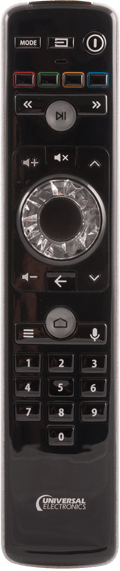
Searching for Your Code
If you have tried all of the set-up codes for your brand of equipment, or your brand is not listed, and you are still not able to get the unit to respond, try the following procedure to search for your code.
- PRESS the button for the device you want to program (TV,VCR,CABLE,etc.) then RELEASE.
- PRESS and HOLD the SETUP button until the red LED flashes twice, then RELEASE.
-
ENTER 9-9-1 (two blinks on the remote)
-
ALTERNATE slowly between the Curson Up key and the TV button STOP when device turns off.
NOTE: In the search mode, the Millenium3 will send IR codes from its library to the selected component starting with the most popular code first
-
PRESS the SETUP button and RELEASE it to lock in the code for your device.
-
To search for the codes of other components, repeat steps 1 through 5, substitute the appropriate key (i.e., VCR or CBL) for the component for which you are searching.
|